File tools
- Copy, move, rename, and delete with a streamlined interface.
- ZIP extraction and APK installation support.
- Built-in PDF viewing and text reading tools.
- Image, audio, and video access from a single workflow.
Orvexa Files Pro extends the Orvexa file management experience with an ad-free workflow, ZIP support, built-in viewing tools, PDF handling, and advanced local storage utilities.
The developer indicates that user files stay local to the device. Supported permissions cover storage access, media access, APK installation, and network access where needed for product functionality.
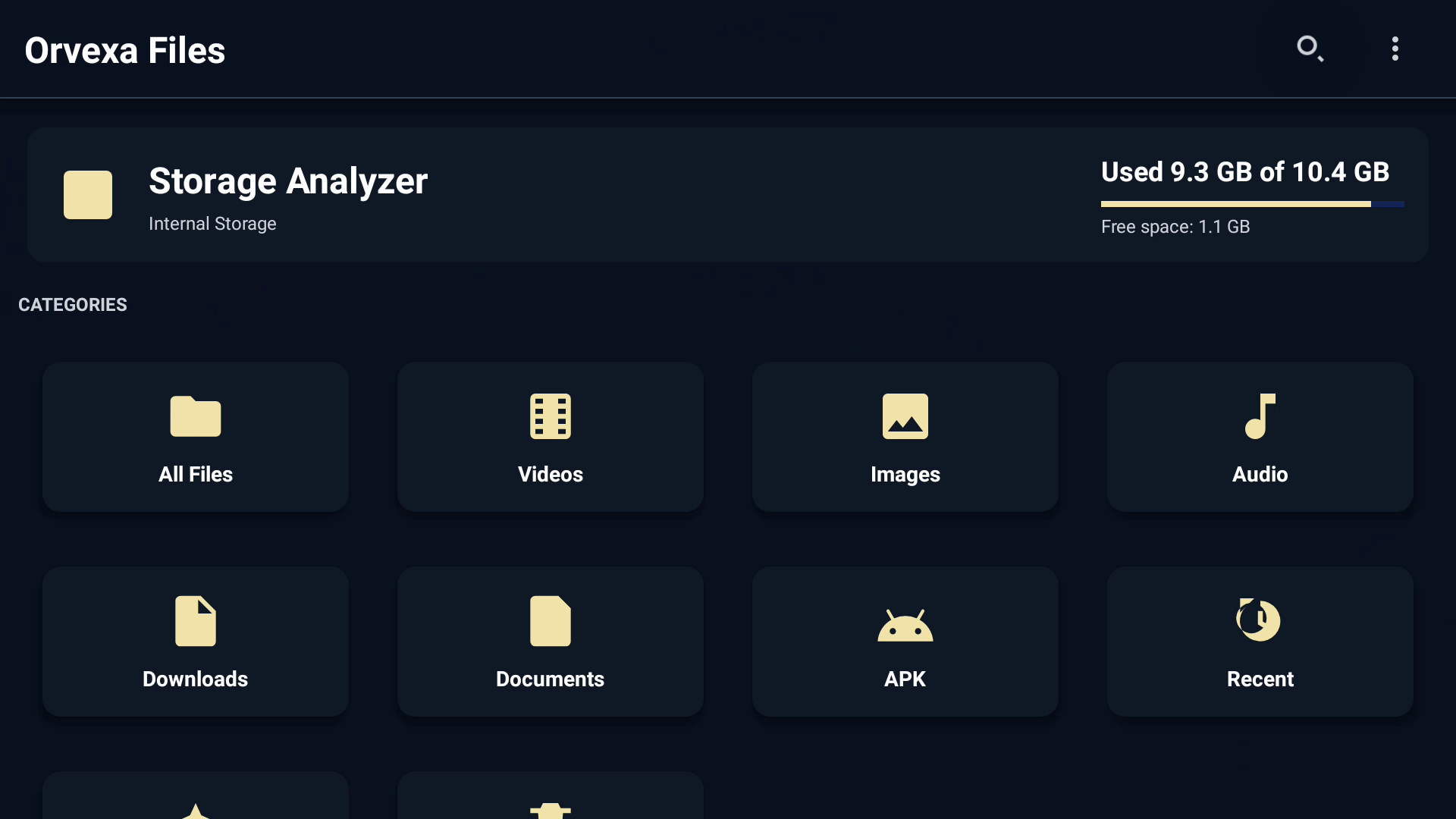
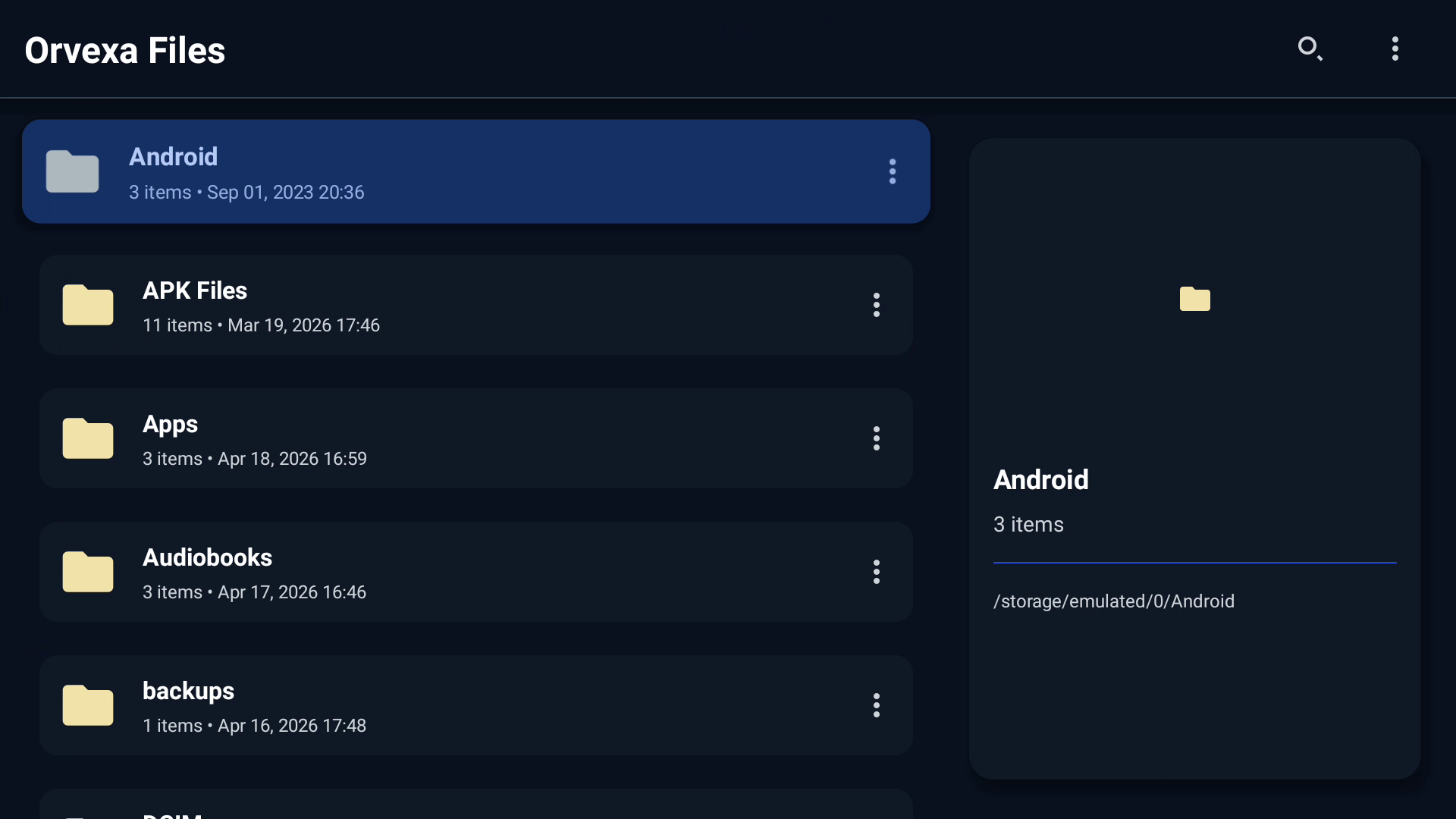
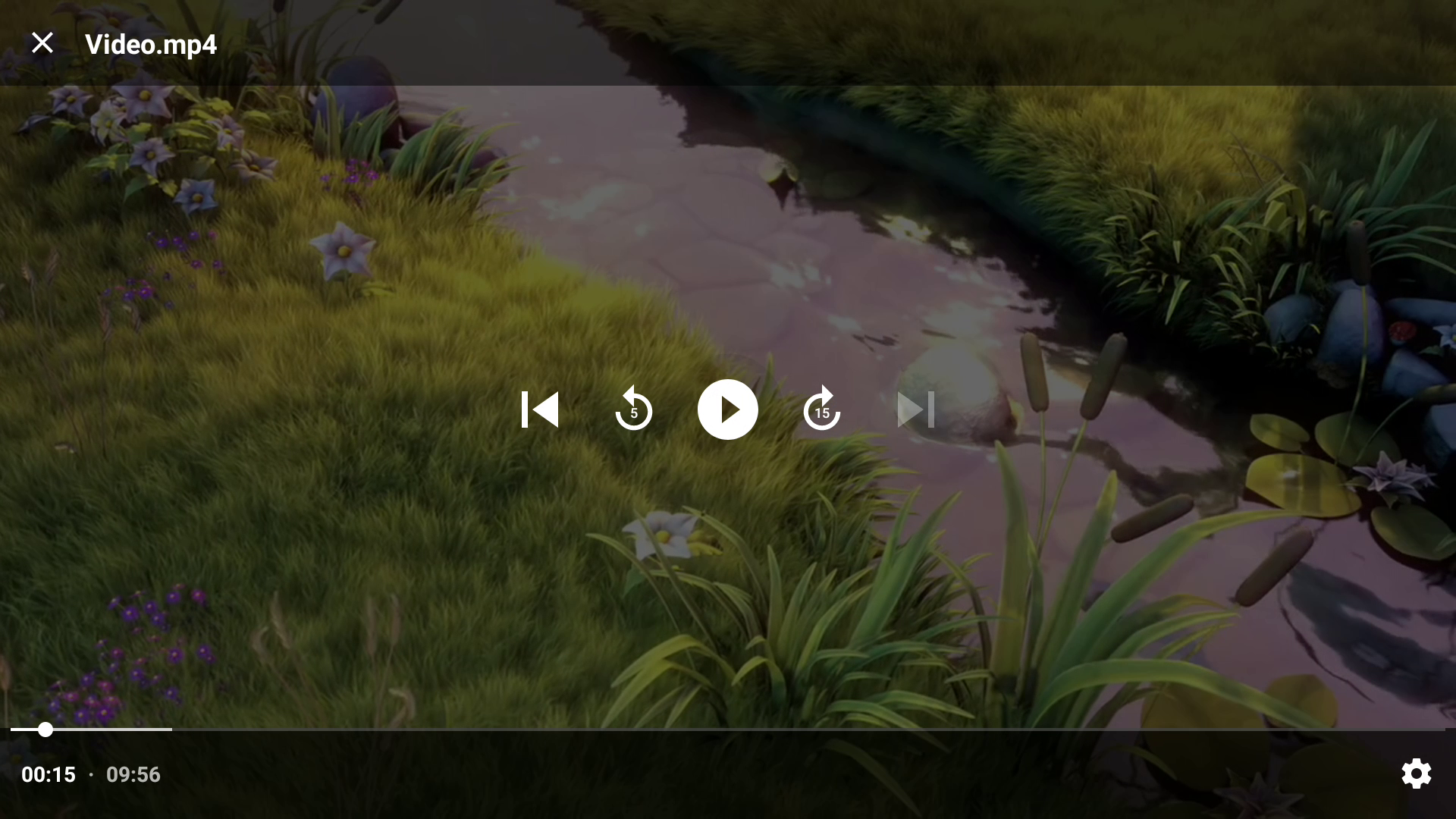

Storage and media access allow browsing and opening local files. APK installation access is used only when you start an install. Network access may support app delivery, store behavior, or policy-related services.
Files Pro is intended as a cleaner premium workflow with ad-free use and additional file viewing and archive tools.
No. The app is focused on local device utilities and does not require a user account.
Yes. Use it to review downloads, APK installers, archives, documents, and media before deleting anything.
The archive may be corrupted, password-protected, or stored on external media that disconnected during access.
It focuses on local device file management, which is useful when you do not want to upload personal files just to organize them.