Fast file browsing
Move through folders and local storage quickly without heavy visual overhead.
Orvexa Files is a fast, modern file manager built for Android phones, tablets, Fire TV, and Android TV devices, with smooth local browsing, offline operation, and dependable remote navigation.
Move through folders and local storage quickly without heavy visual overhead.
Designed to remain usable on Fire TV and Android TV with predictable focus behavior.
Handle APK files and play supported local media from the same workflow.
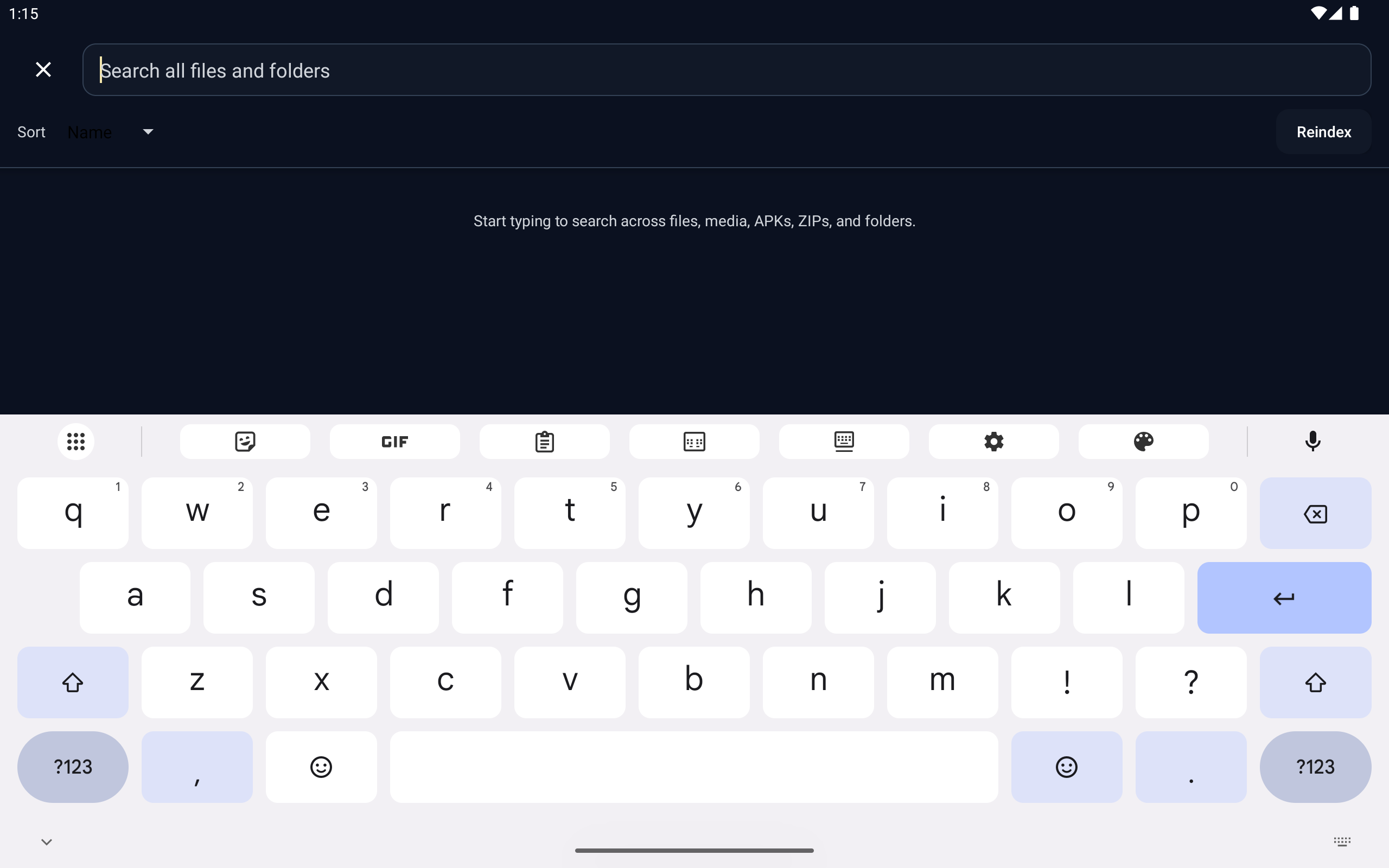
Watch Orvexa Files in action before downloading the app. The demo shows the Android TV file manager experience, local browsing workflow, and remote-friendly interface for storage and APK management.
Files remain on your device. Third-party advertising components may use an advertising identifier for analytics or ad delivery where applicable.
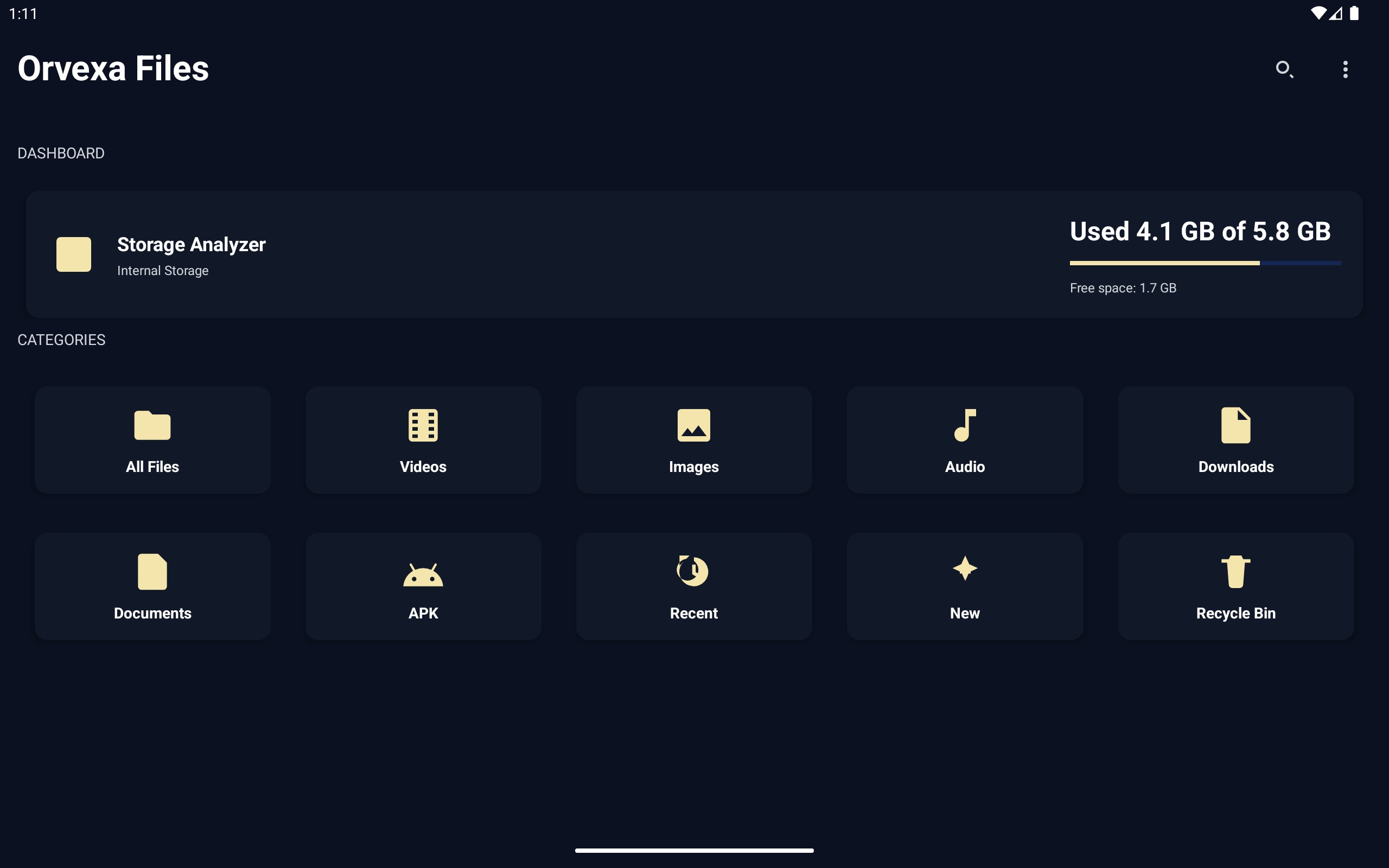
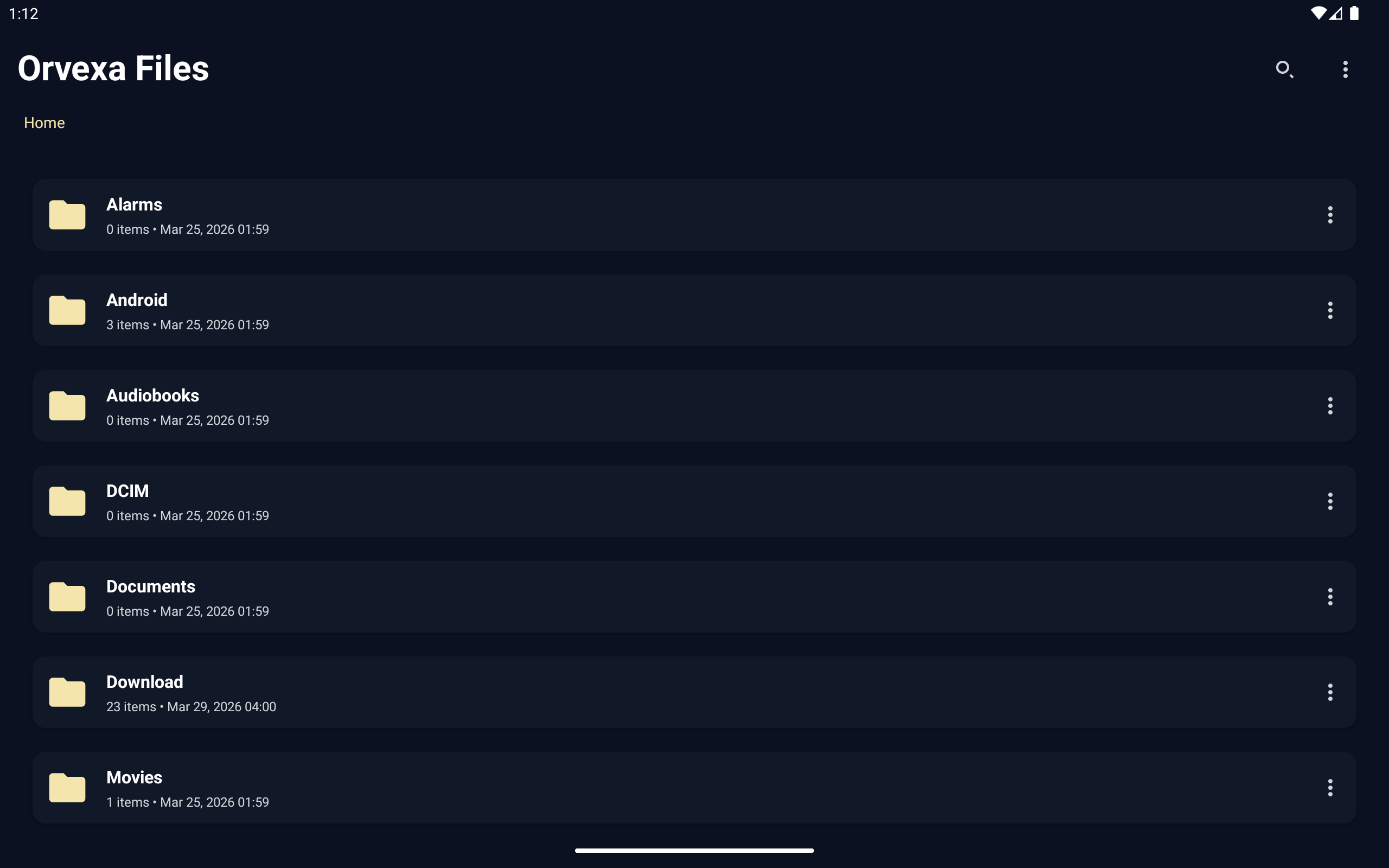
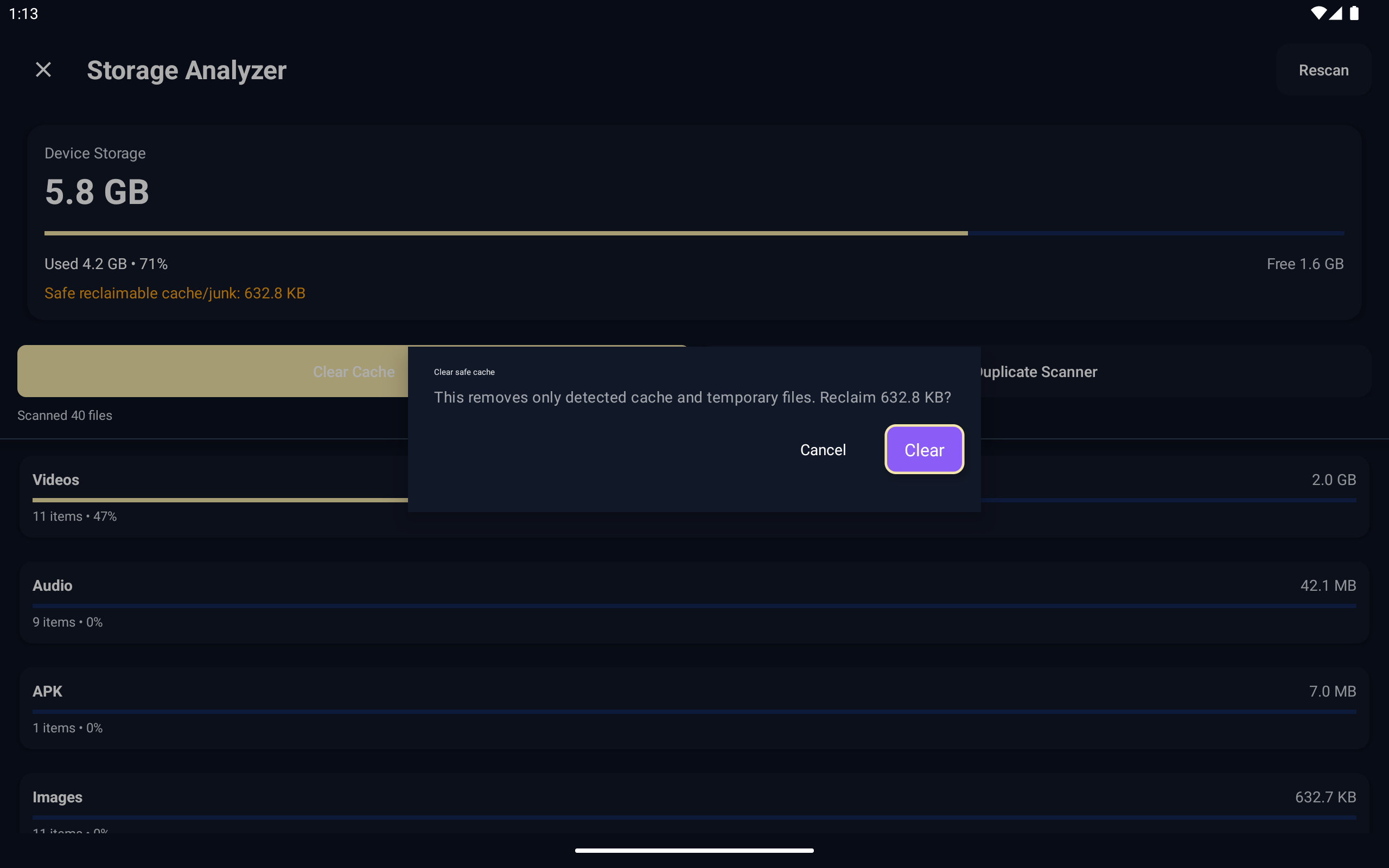
Storage and media permissions are used to show local files and folders. APK handling requires install-package access only when you choose to install a file. Orvexa Files is designed around local device management and does not require an account.
No. It is designed for local browsing and file management on your device.
Yes, when the Android device exposes the USB drive through its storage system and permissions are granted.
Android versions handle storage permissions differently. Check app permissions, try the system file picker when available, and review the file permissions guide.
Usually yes. Keep only versioned backups you intentionally need, then remove old installers to save Android TV storage.
Open a few files, check dates and sizes, and avoid deleting app data or unknown folders until you identify what created them.
If you need help with installation, playback behavior, or device compatibility, contact Orvexa Apps directly.