Nearby discovery
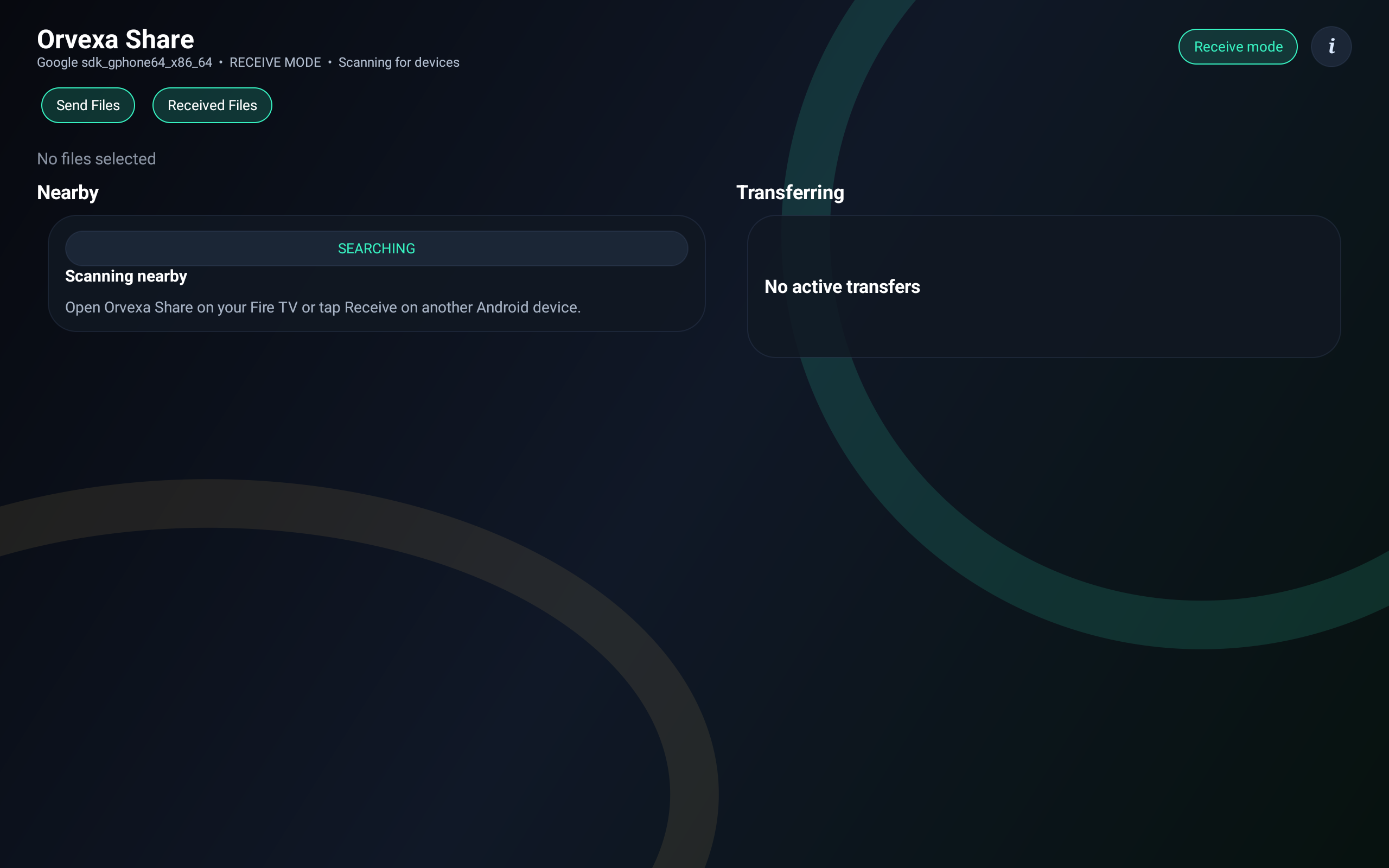
Find supported devices on the same local network so transfers can start without account setup or cloud storage.
Orvexa Share transfers APKs, videos, photos, ZIP files, documents, music, and other files between Fire TV, Fire Tablet, Android TV, and Android devices using local Wi-Fi or hotspot connections.
Find supported devices on the same local network so transfers can start without account setup or cloud storage.
Use Fire TV Voice Remote, game controllers, Android TV remotes, phones, and tablets with layouts designed for both remote and touch input.
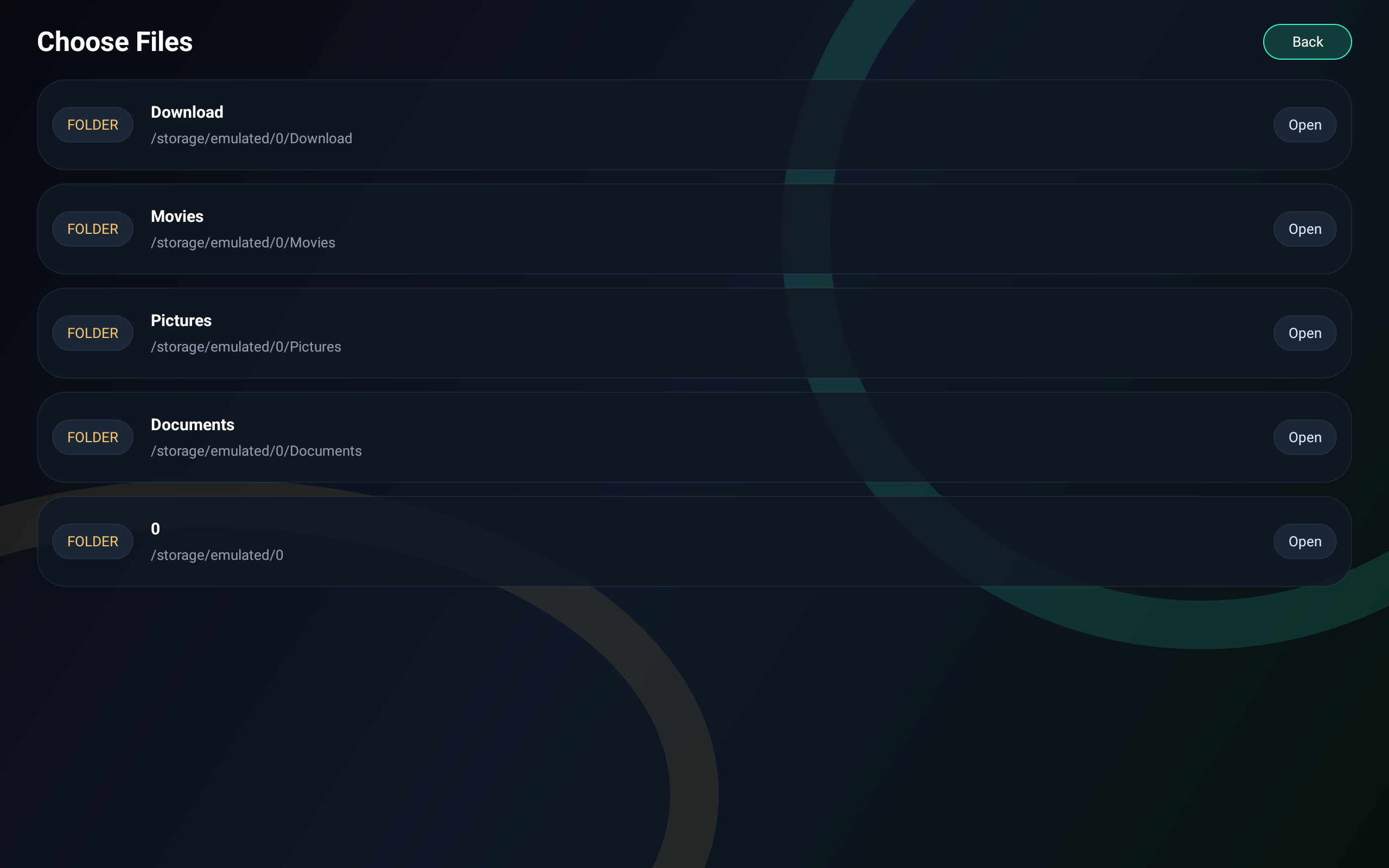
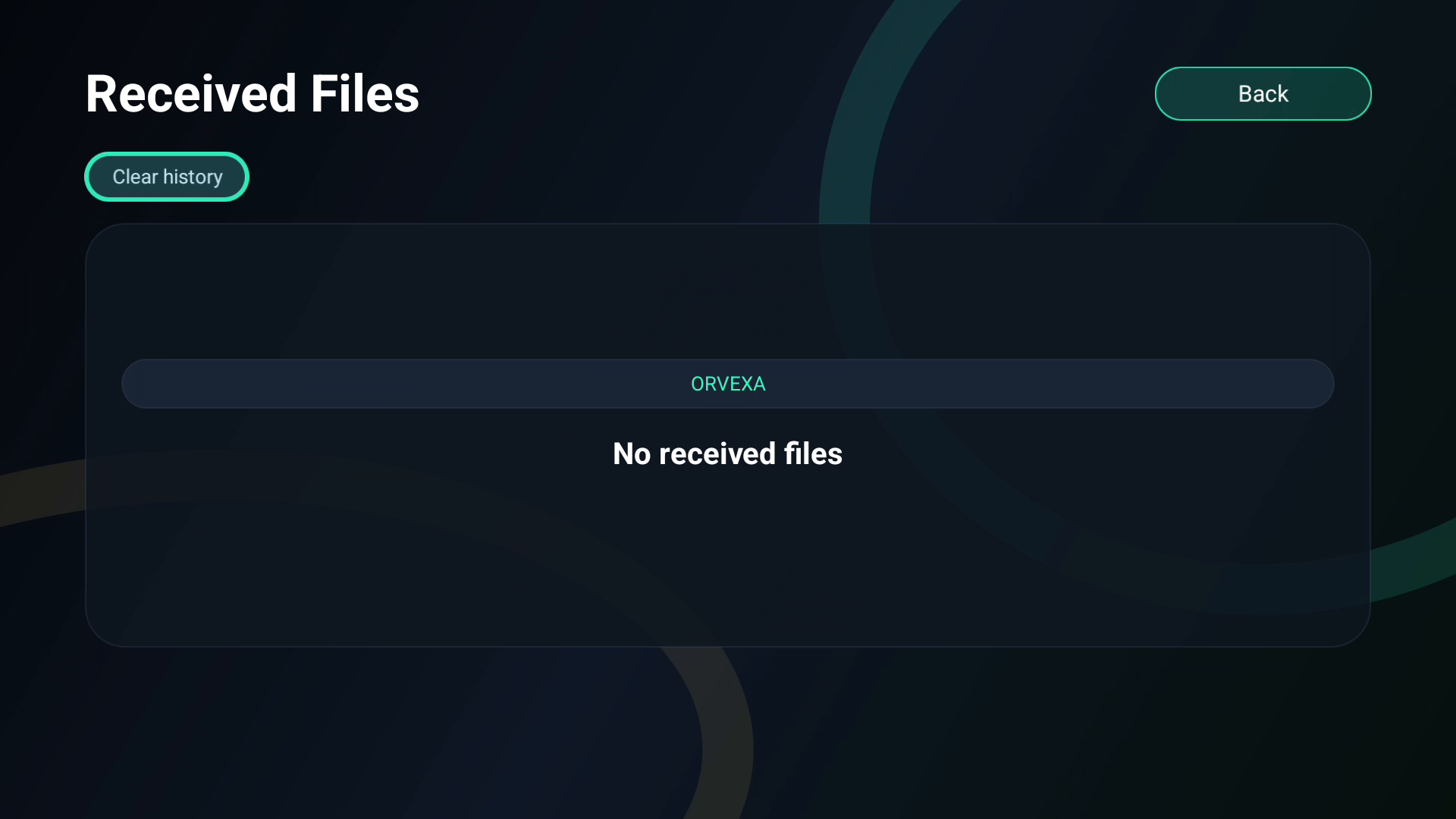
Review received files and transfer history from a dark interface built for utility use on living-room and mobile screens.
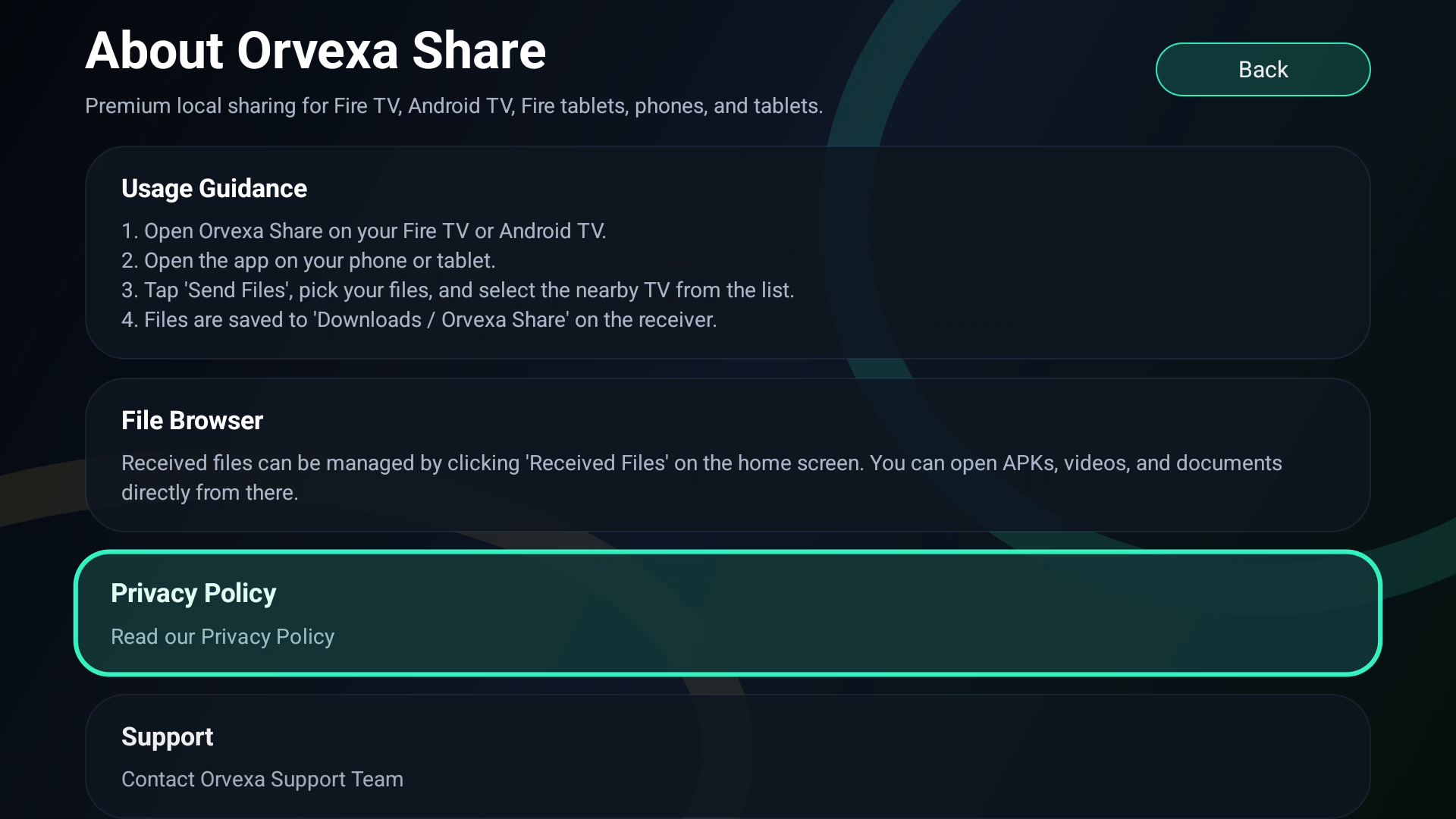
Orvexa Share is designed for local device-to-device transfer. The developer has indicated that this app does not collect or transfer user data to third parties.
Permissions support network discovery, Wi-Fi multicast, sockets, foreground transfer services, notifications, external storage management, and media file access on compatible Android and Fire OS devices.
Move APKs, videos, ZIP archives, documents, and photos from an Android phone or tablet to a Fire TV device over your local connection.
Send files between Android devices without uploading content to a remote cloud account.
Use hotspot-based sharing when a standard Wi-Fi network is not available, depending on device support and permissions.
No. Orvexa Share is designed for local device-to-device transfers over a nearby connection.
Yes, you can transfer APK files, then review the installer source and permissions before installing.
No. Local transfer depends on nearby network connectivity, not cloud upload. Some setups can use a hotspot when normal Wi-Fi is unavailable.
Speed can change because of Wi-Fi strength, device distance, router load, file size, and whether either device goes to sleep during transfer.
Move APKs, videos, music, and documents into clear folders with a file manager so Android TV storage stays easy to browse.
If you need help with device discovery, transfer permissions, Fire TV navigation, or Amazon Appstore installation, contact Orvexa Apps directly.