Orvexa Media Player app icon
Media Player

Orvexa Media Player

Orvexa Media Player delivers fast local audio and video playback across Android phones, tablets, Fire TV, and Fire Tablets, with a clean dark interface and lightweight performance.

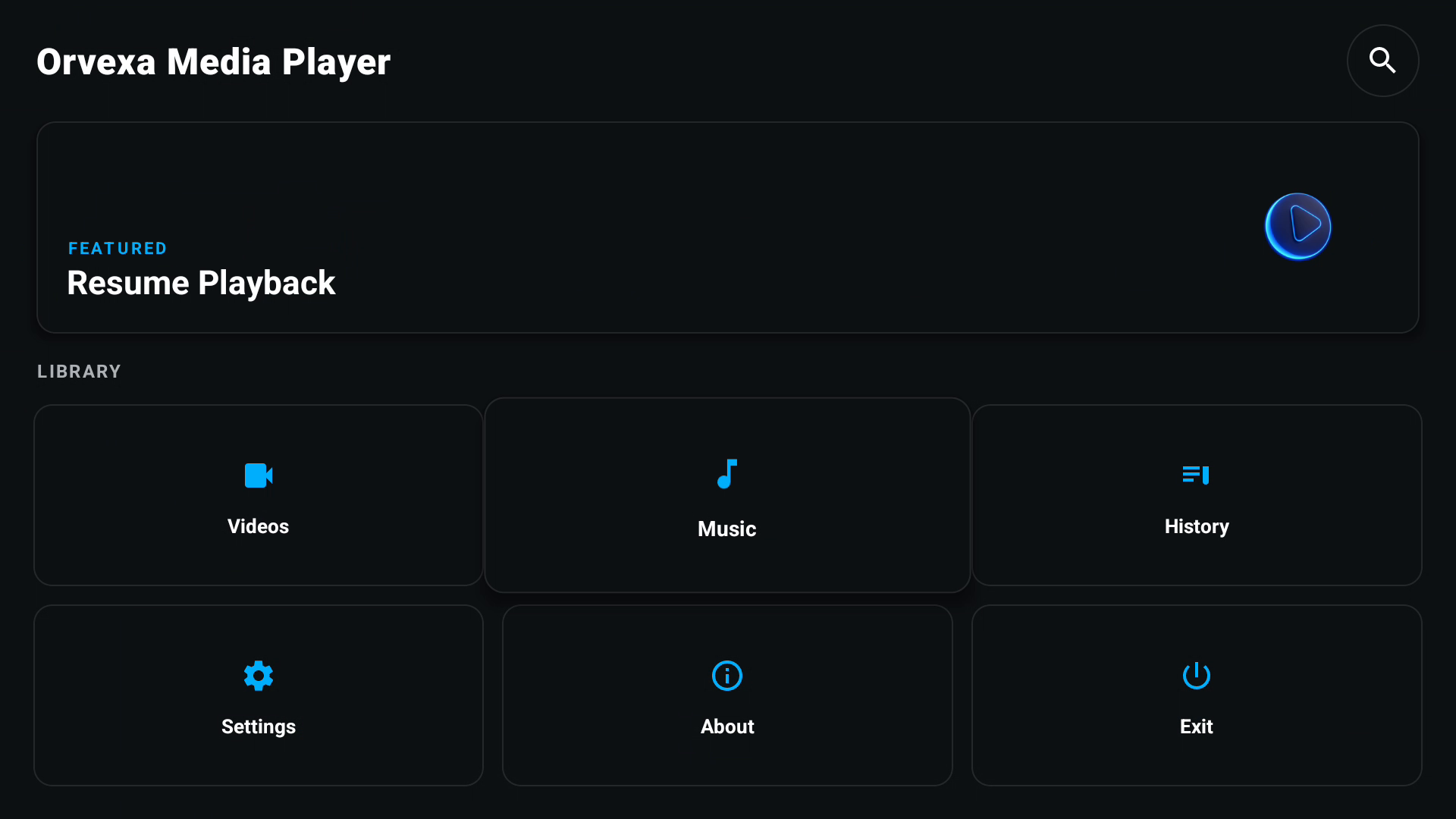
Android 7.0+ Fire TV Optimized Resume Playback

Playback highlights

Core features

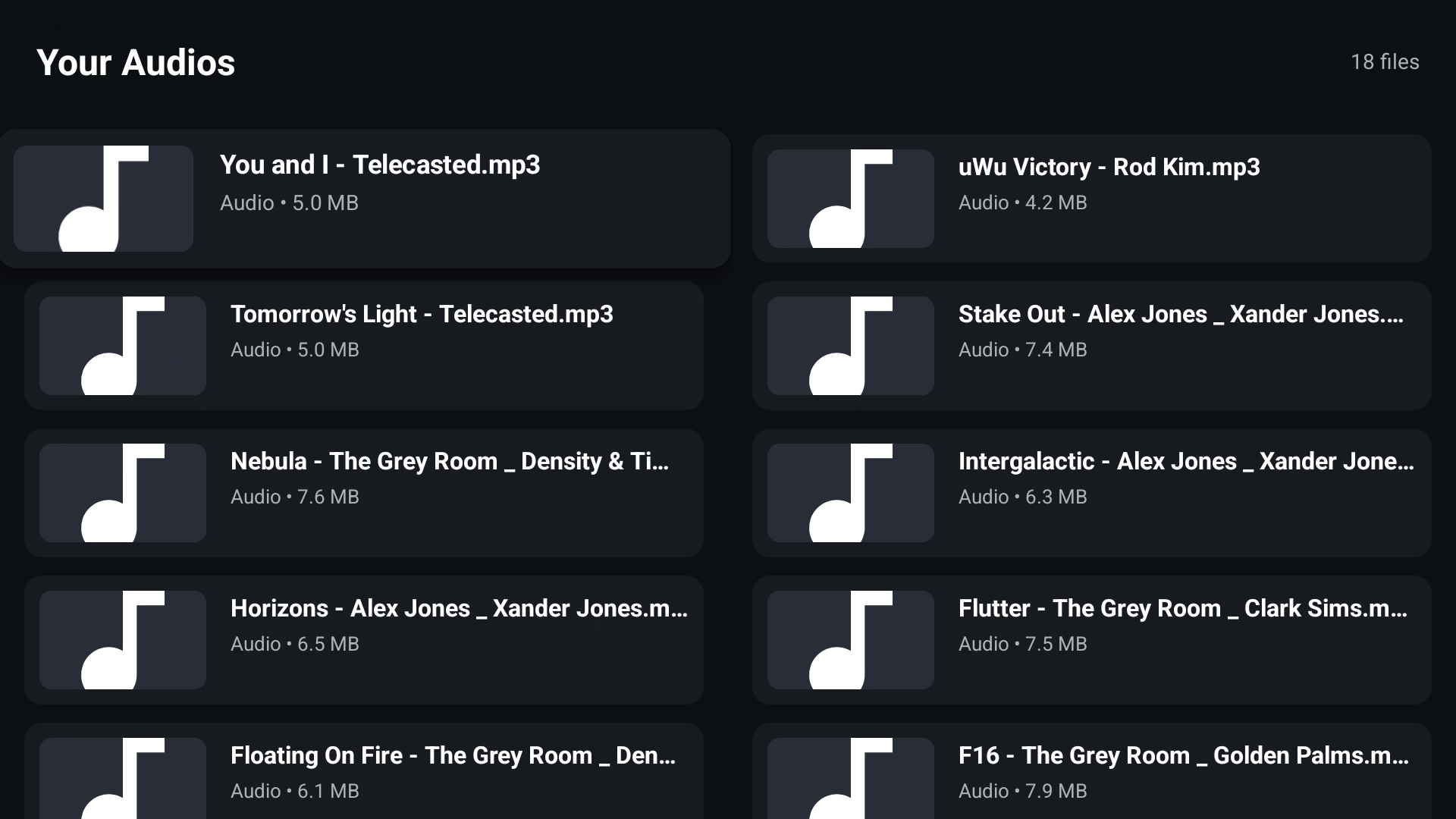
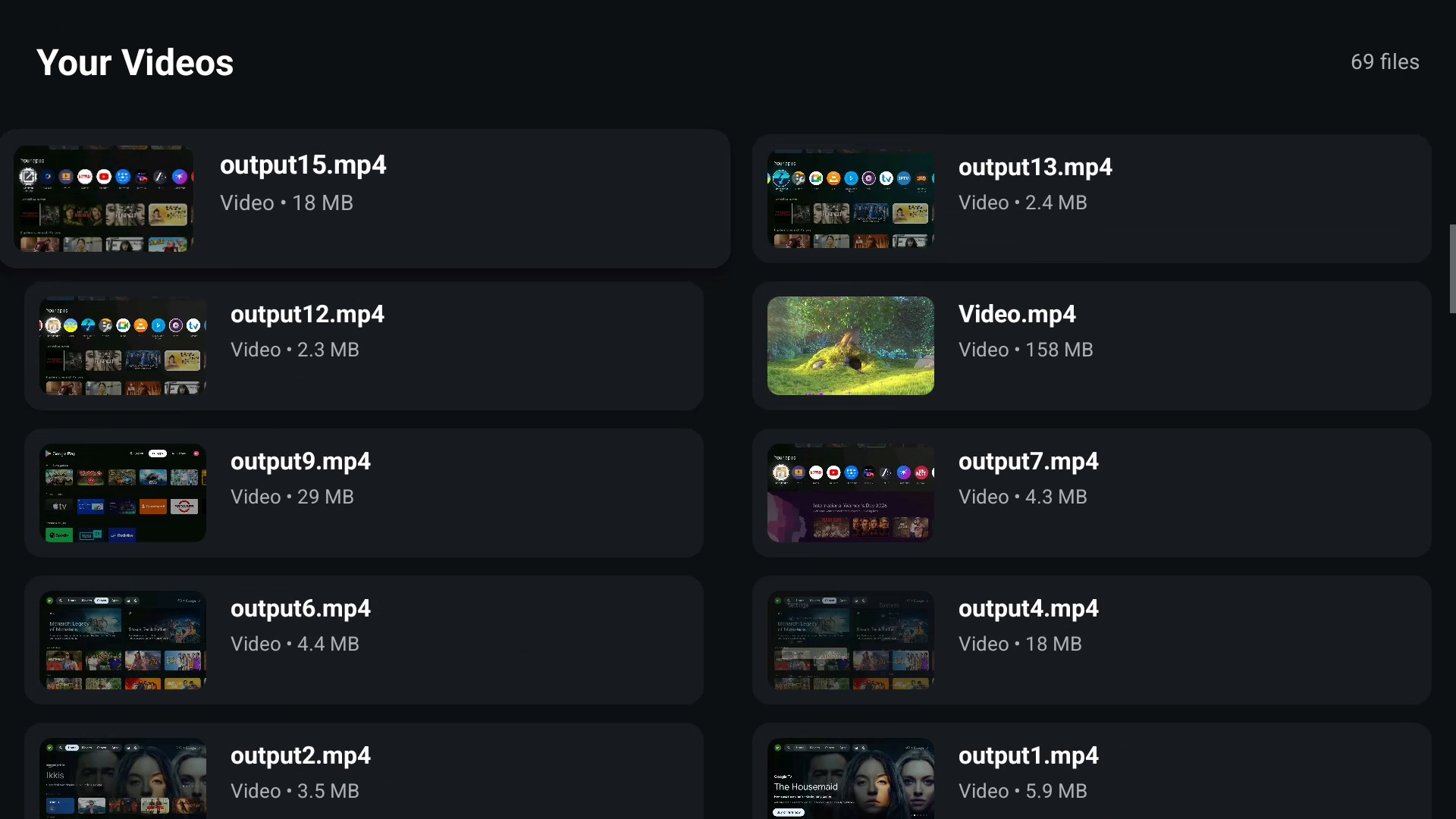
  • Local music and video playback with broad format support.
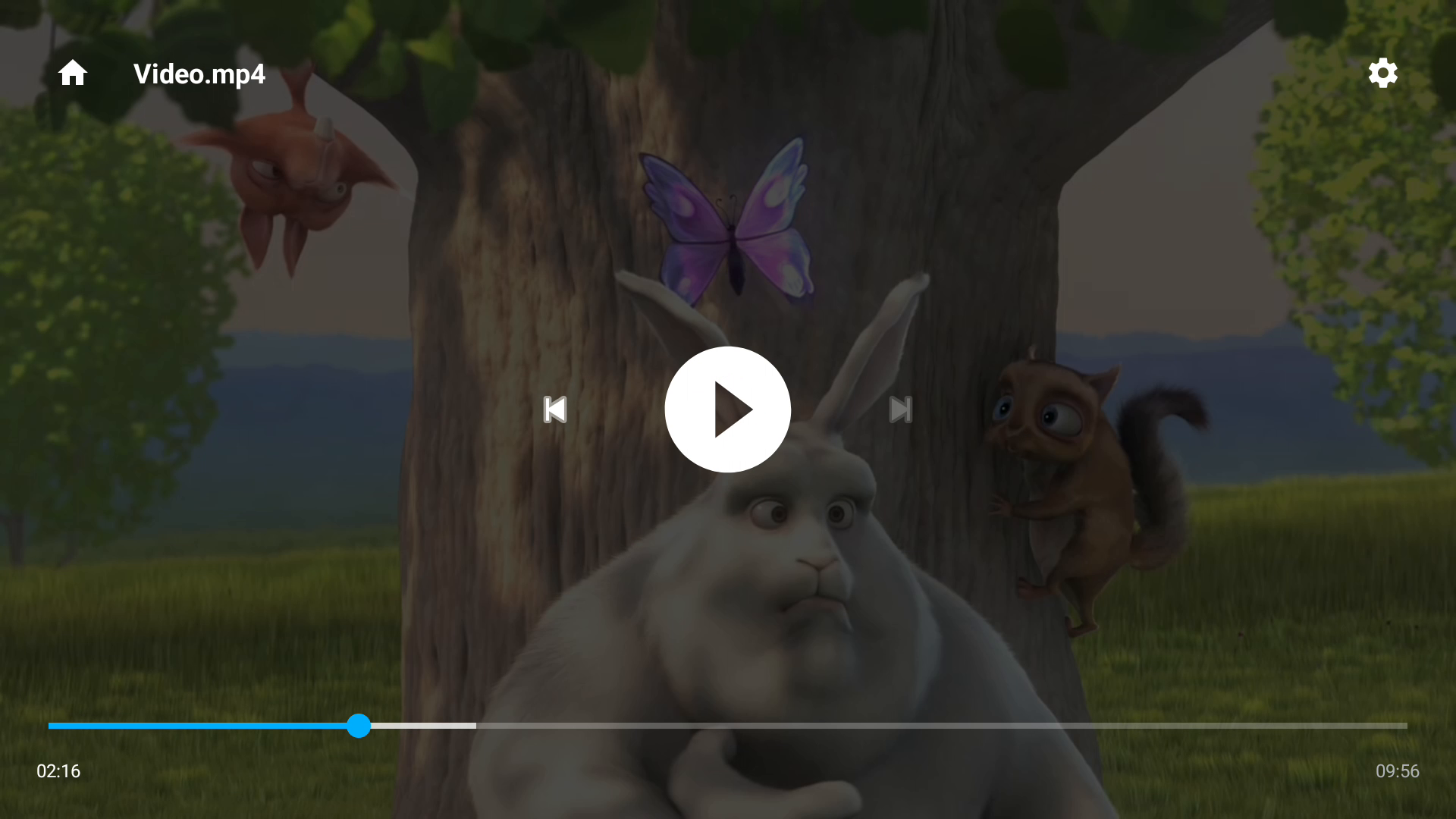
  • Resume playback support for returning to recent media.
  • Smart media search for quicker file discovery.
  • TV-friendly focus behavior for Fire TV remote usage.

Latest update

  • Improved smart media search and resume playback behavior.
  • Cleaner interface and better playback stability.
  • Enhanced Fire TV and Android TV compatibility.
  • Additional reliability improvements and bug fixes.

Technical details

Version
1.4
Release year
2026
Developer
Orvexa Apps
Amazon ASIN
B0DRNNVN1H
App size
About 4 MB

Privacy and permissions

Media files stay on your device. The app may use advertising identifiers for analytics or ad support. Permissions include local media access, network access, Wi-Fi state access, and background playback support.
Screenshots

Use cases, permissions, and support

Use cases

  • Play videos or music copied to Android TV through Wi-Fi or USB.
  • Resume local playback after pausing or switching apps.
  • Keep a lightweight player available for offline files.

Permissions explained

Media permissions help the app find local audio and video. Network access may support advertising or app-related services. Background playback support keeps audio running when allowed by the device.

Changelog

  • Version 1.4: improved media search, resume behavior, and Fire TV compatibility.
  • Earlier releases: local playback, browsing, and stability improvements.

Troubleshooting

  • If a file will not play, confirm the codec is supported by the device.
  • If media is missing, rescan storage or move files into a standard Movies or Music folder.
  • If playback stutters, copy the file to internal storage or use a faster USB drive.
Does Orvexa Media Player stream online videos?

It is primarily focused on local playback from files stored on the device or accessible storage.

Why does a video play on my phone but not on TV?

Android TV devices vary in codec support. Re-encode the file or try a format the TV supports natively.

Why does playback buffer for a local file?

Local stutter can happen when USB storage is slow, the file bitrate is high, or the device struggles with the codec.

How should I organize media files?

Keep videos in Movies, songs in Music, and temporary downloads separate so the player and file manager can find content predictably.

Can I use it for offline playback?

Yes. Files already stored on the device or accessible storage can be played without streaming from the internet.