Orvexa Playlist Player app icon
Playlist Player

Orvexa Playlist Player

Orvexa Playlist Player is a lightweight local media app for Android and Fire Tablets focused on building custom playlists, browsing local media, and keeping playback smooth and simple.

Local Playback Fire Tablet Ready Android 7.0+

Feature highlights

Core playback

  • Play local audio and video files stored directly on your device.
  • Create and organize custom playlists for repeat listening or viewing.
  • Keep navigation light and easy on Fire Tablets and Android devices.
Current direction

  • The app now focuses on local playlists rather than streaming media.
  • Improved responsiveness and overall playback stability.
  • Updated privacy handling and simplified product scope.

Technical details

Version
1.0.2
Release year
2026
App size
7.6 MB
Amazon ASIN
B0GTS87KSZ
Minimum Android
Android 7.0

Privacy and permissions

The app is designed for local playback and does not require an account or subscription. Media stays on device. Internet access is only needed for app-related functions such as advertising where included.
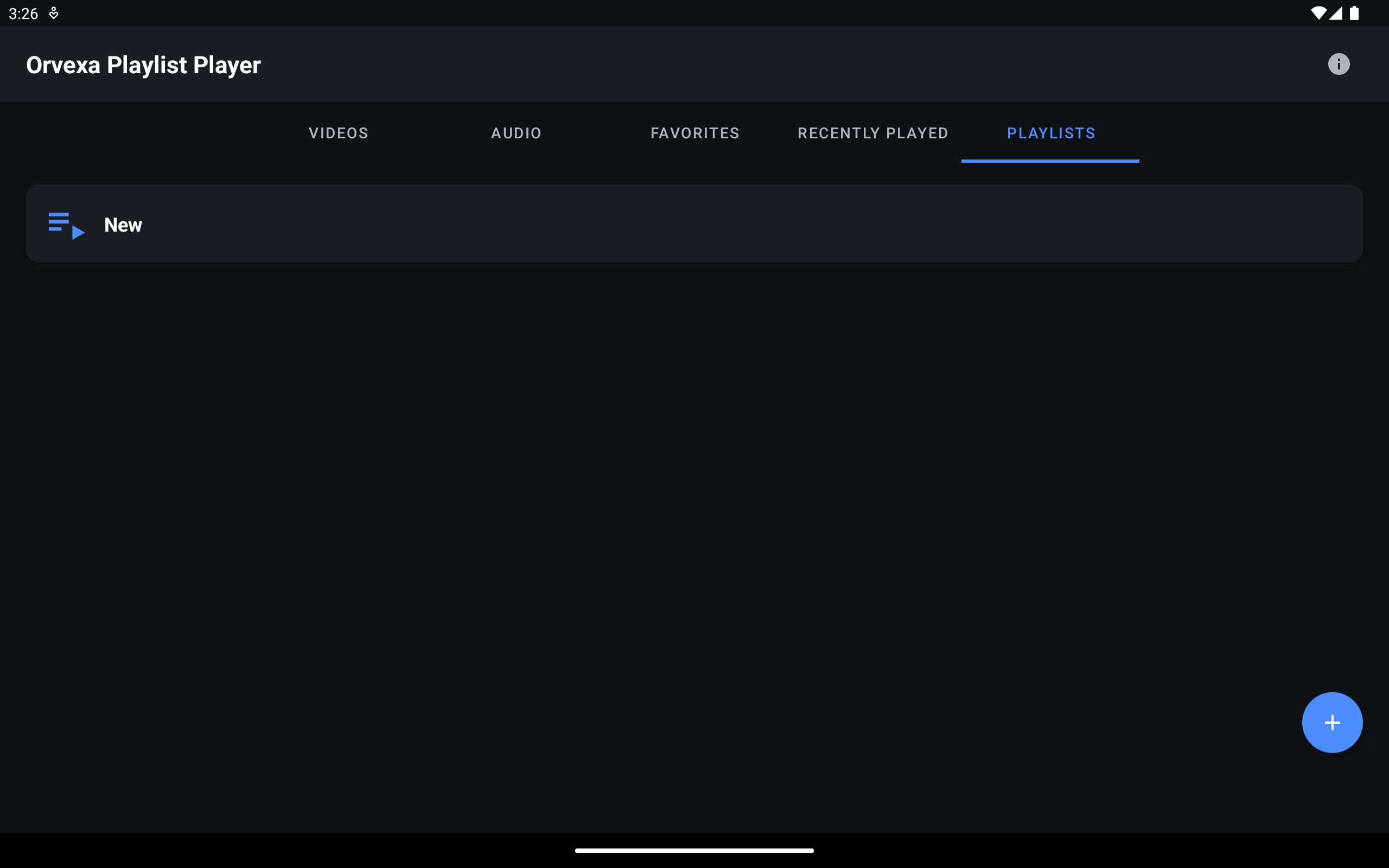
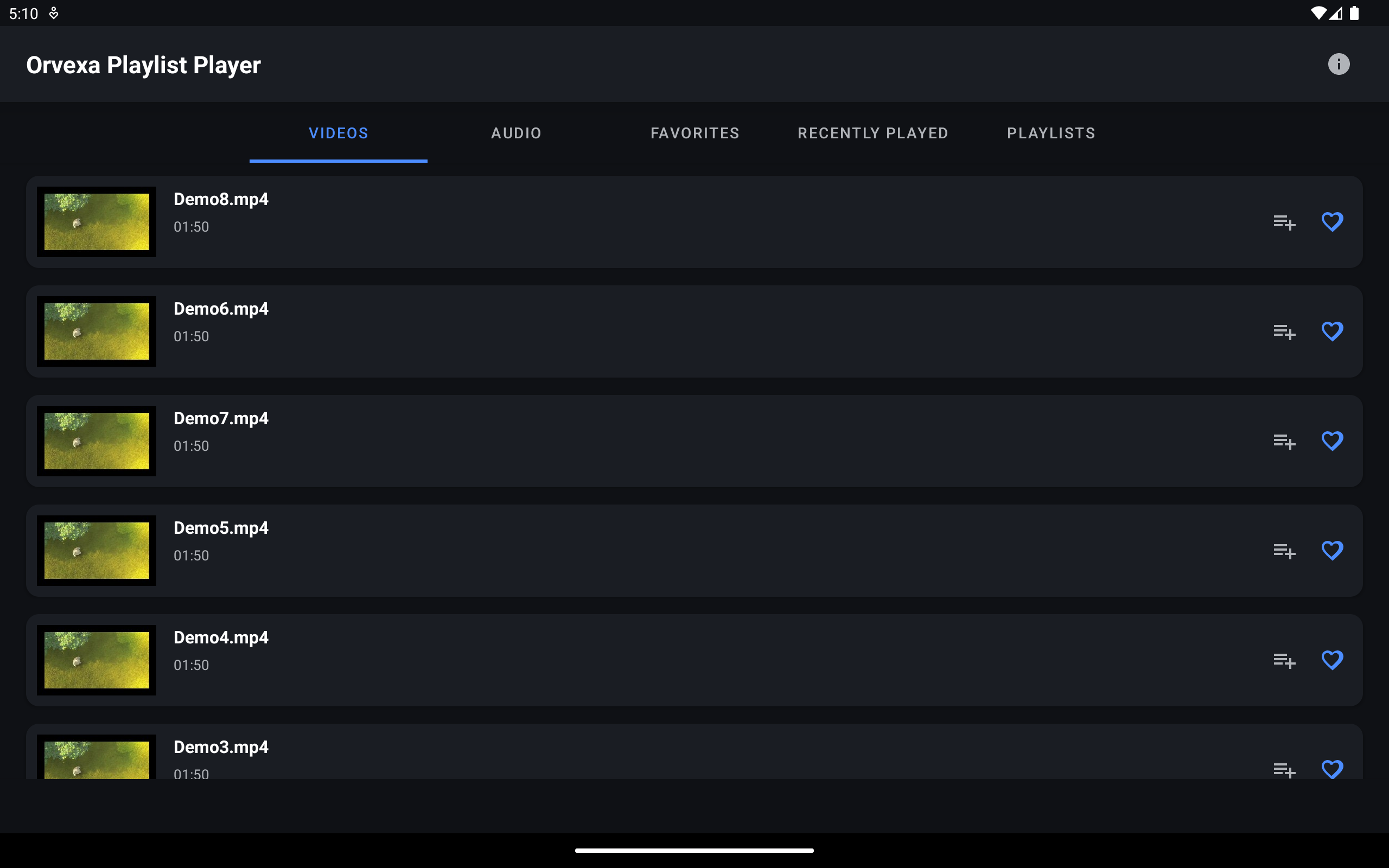
Screenshots

Use cases, permissions, and help

Use cases

  • Create local playlists for music, lessons, workouts, or saved videos.
  • Keep playback available when files are already stored on the device.
  • Use a simple media workflow on Fire Tablets and Android devices.

Permissions explained

Media and storage access allow the app to find playable local files. Internet access may support app-related services such as advertising where included. No account is required for local playlist use.
Changelog

  • Version 1.0.2: improved local playlist scope, responsiveness, and playback stability.
  • Version 1.0.0: initial playlist playback release for Android and Fire Tablet users.

Troubleshooting

  • If a file is missing, move it into a Music, Movies, or Downloads folder and grant media permission.
  • If a playlist item fails, check whether the original file was moved or deleted.
  • If playback is unstable, restart the app and test a smaller playlist.
Does Playlist Player require streaming links?

No. The current focus is local playlist playback from files stored on the device.

Can I use it offline?

Yes, for local files that are already available on the device.

Why did a playlist item stop working?

The original file may have moved, been renamed, or been deleted during cleanup.

What file types should I use?

Use formats your Android device supports reliably, such as common audio and video formats explained in the file formats guide.

How can I avoid duplicate playlist files?

Create one Music or Movies folder and move transferred files there before adding them to playlists.