Modern playback
Media3-powered streaming engine provides smooth, reliable playback with advanced player controls and quality selection.
Orvexa TV is a modern IPTV and M3U player designed for Android TV, Google TV, Fire TV, phones and tablets. Users can add their own M3U playlists, import local playlist files, manage favorites, browse EPG data, and enjoy a smooth Media3-powered playback experience.
Important: Orvexa TV does not provide, host, distribute, or include any channels, playlists, or media content. Users are responsible for the content they add.
Media3-powered streaming engine provides smooth, reliable playback with advanced player controls and quality selection.
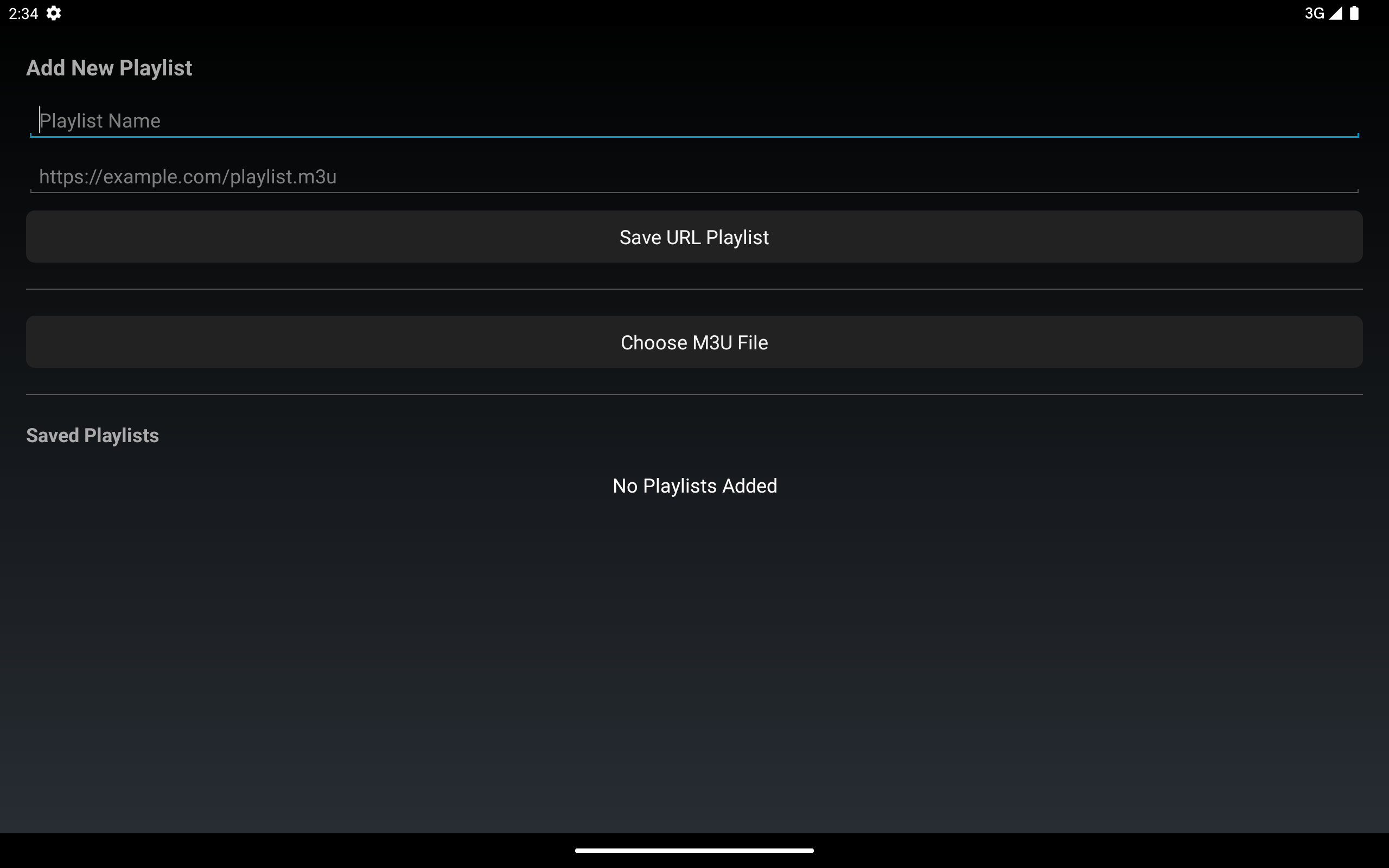
Add remote M3U playlist URLs, import local playlist files, and manage your own curated entertainment library.
Built specifically for Android TV, Google TV, and Fire TV with remote-friendly navigation and large touch targets for tablets.
Favorites management, recently watched tracking, EPG support, multi-audio tracks, and Material Design 3 UI.
Built with modern Android development practices using Kotlin, XML Layouts, ViewBinding, AndroidX Media3 (ExoPlayer), and Kotlin Coroutines for responsive, efficient playback and responsive UI.
Material Design 3 UI with Start.io ad integration. Optimized for TV remotes on Android TV and Fire TV devices, with touch-friendly interface for phones and tablets.
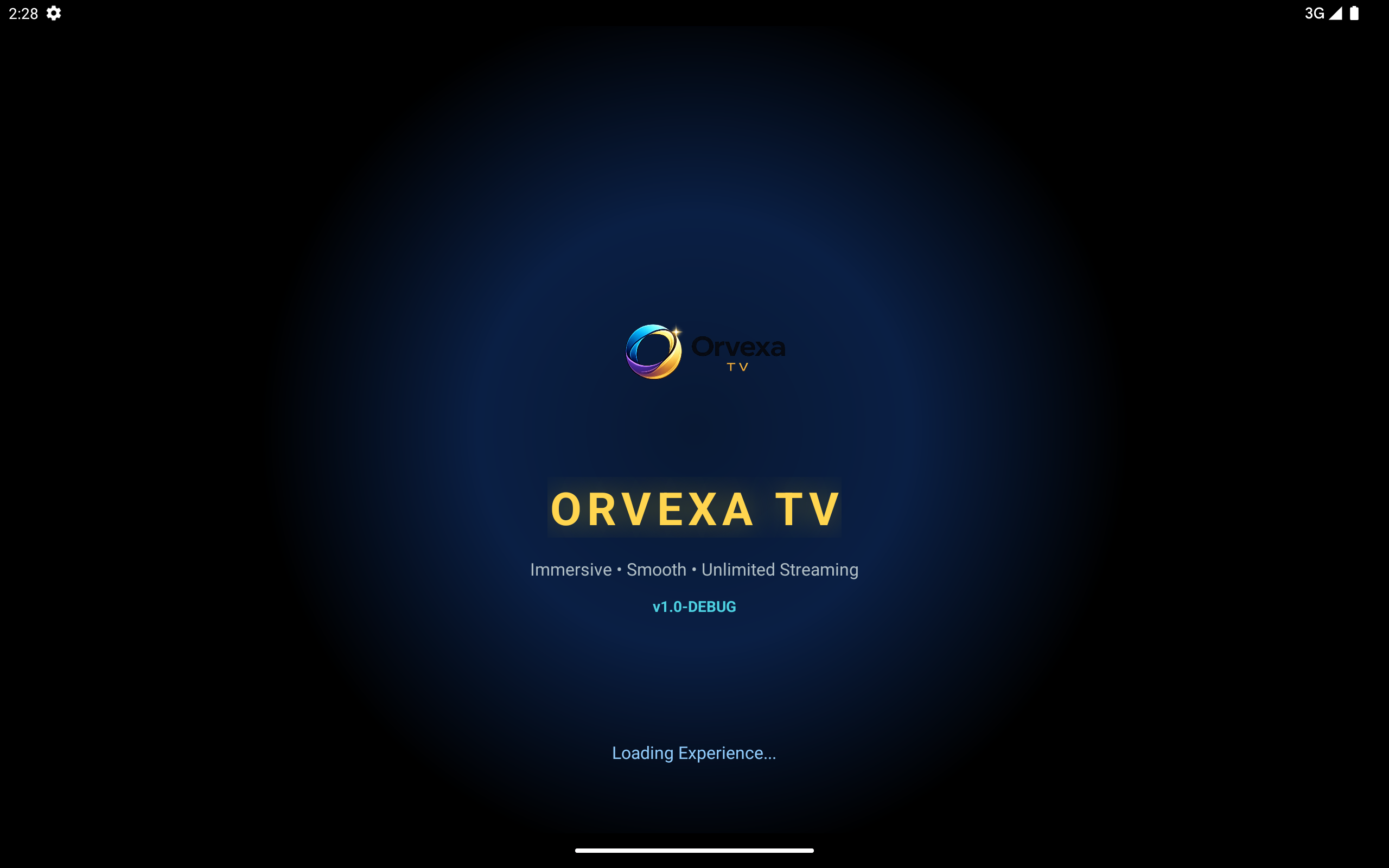
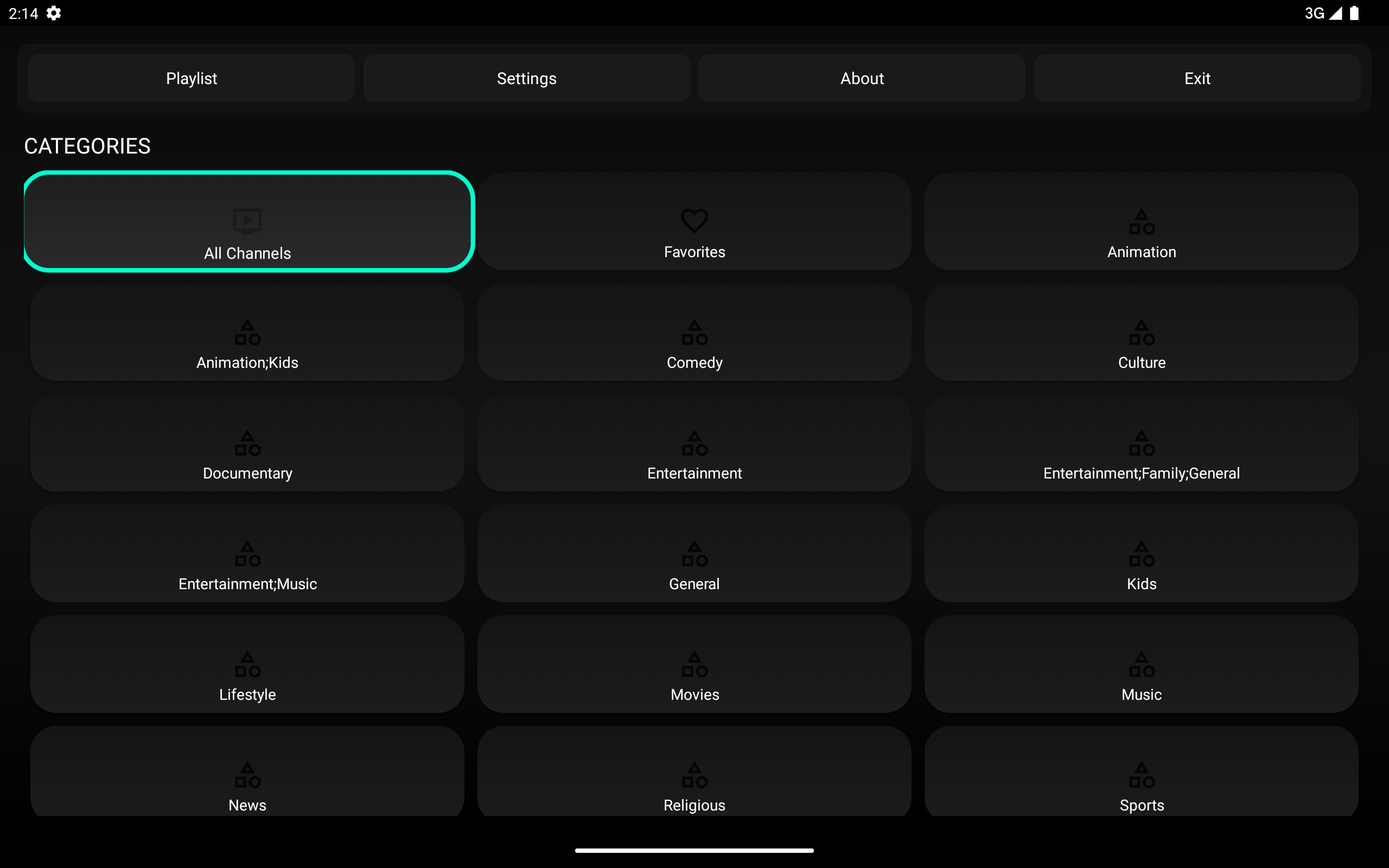
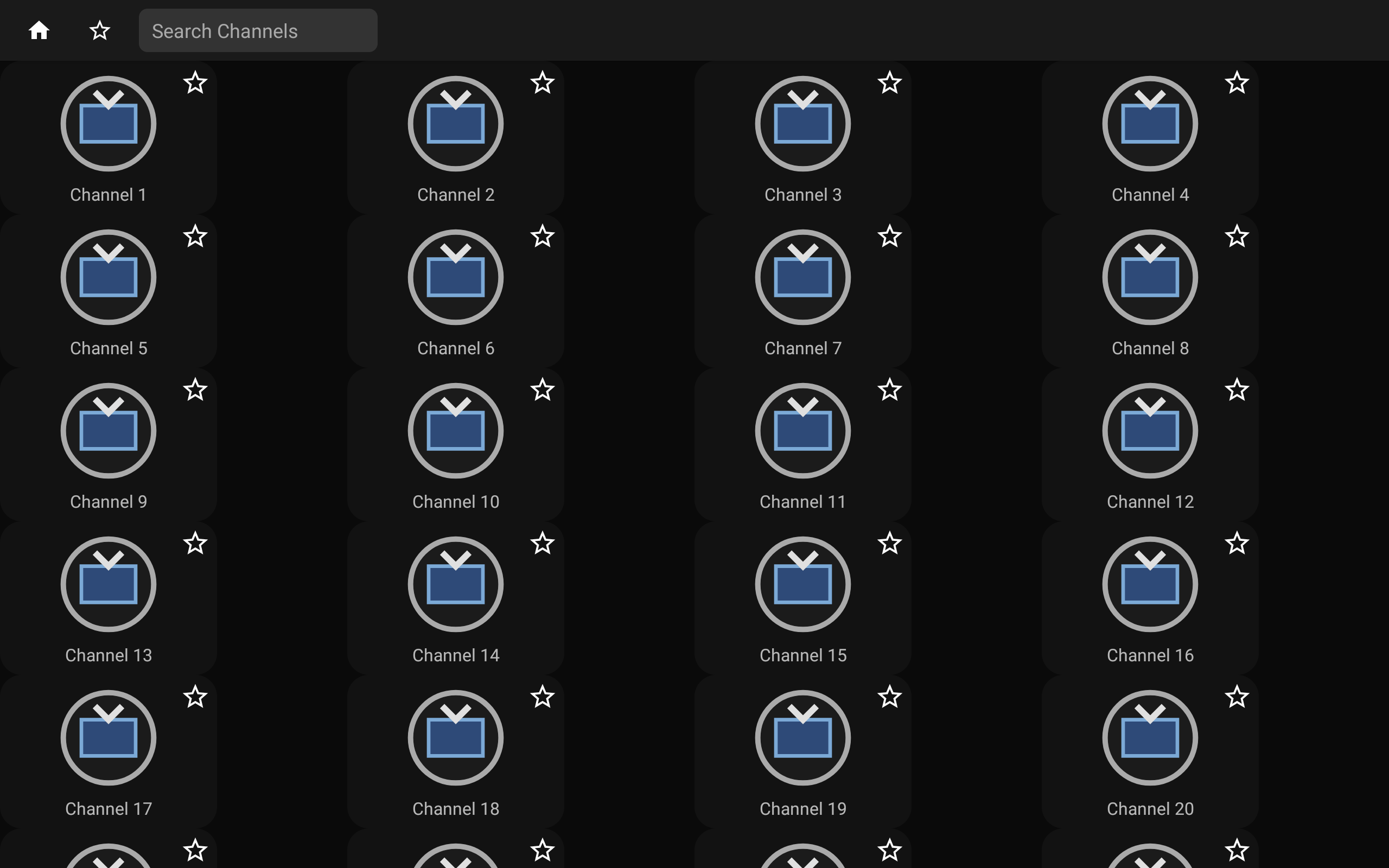
This demonstration showcases Orvexa TV as a modern IPTV and M3U player for Android TV, Google TV, and Fire TV. See how the app handles playlist management, channel browsing, advanced player controls, 4K HDR streaming with adaptive quality selection, smart EPG integration, and smooth Media3-powered playback on all supported devices.
Internet access is required to stream IPTV content and load playlists. Storage permissions enable importing local M3U files. The app may use advertising identifiers where ads are included. Orvexa TV does not require an account or login.
Important: Orvexa TV does not provide, host, distribute, or include any channels, playlists, or media content. Users are responsible for adding only legal and authorized content. The app is a player tool only.
Playlists and content you add are stored locally on your device. No personal data is uploaded without your knowledge. Advertising identifiers may be used for analytics where applicable.
You can add playlists in two ways: (1) Enter a remote M3U playlist URL in the app settings, or (2) Import a local M3U file from your device storage using the import feature. Both methods are supported on all devices.
An M3U file is a plain text playlist format containing media stream URLs and channel information. You can import M3U files on your device and Orvexa TV will parse the channels for playback. See our M3U playlist guide for detailed instructions.
No. Orvexa TV is a player application only. It does not provide, host, or distribute any channels or media content. You are responsible for adding your own legal and authorized playlists and content.
Yes. Orvexa TV is fully optimized for Android TV, Google TV, and Fire TV devices with remote control navigation. It also works on Android phones and tablets with touch interface.
Yes. Orvexa TV supports EPG data when available in your playlists, providing program information and schedule details for supported channels.
Use the import function in Orvexa TV settings to browse and select M3U files from your device storage. The app will parse the playlist and add channels to your library. See our M3U import guide for step-by-step instructions.
First, verify the playlist URL or M3U file is valid and contains working stream links. Check your internet connection, restart the app, and ensure your device has enough storage space. If issues persist, contact support.
Yes. Please read our privacy policy for complete information on how your data is handled and what permissions the app requires.
Contact Orvexa Apps directly via email for technical support, feature requests, or bug reports. See the support section below for contact information.
If you need help with playlist setup, playback issues, device compatibility, or have feature requests, contact Orvexa Apps directly.